




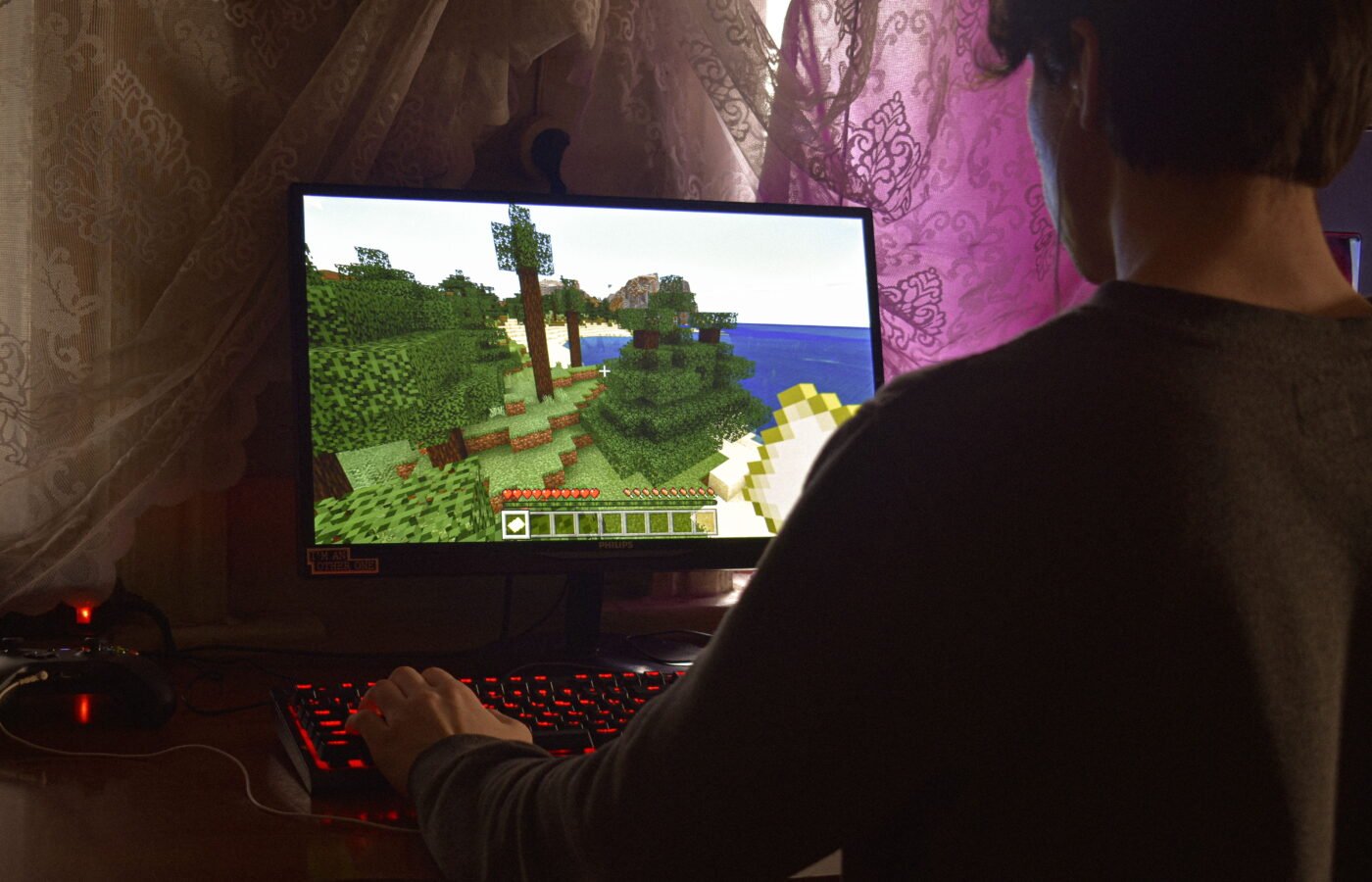
Skindex: Your Ultimate Guide to Minecraft Skins

My son asked me last year why his Minecraft character kept looking like generic Steve while his friends showed up as everything from anime characters to custom superheroes. That question sent me down a genuine rabbit hole into the world of Minecraft skin sites — and The Skindex kept coming up as the name everyone mentioned first. So I actually used it, alongside its main competitors, editing skins, uploading them, testing how they apply in both Java and Bedrock editions, before writing a word of this.
Here’s what I found, including where The Skindex genuinely earns its reputation and where other tools do specific jobs better.
Table of Contents
- What The Skindex Actually Is
- Is It Official? Is It Safe?
- Getting Started: A Walkthrough
- The Built-In Skin Editor
- How Skins Actually Apply to Your Game
- The Skindex vs. NameMC
- The Skindex vs. Planet Minecraft
- The Skindex vs. NovaSkin
- A Word of Caution About Look-Alike Sites
- Java vs. Bedrock: Where Skins Get Complicated
- Tips From Actually Using It
- Where Skin Culture Is Heading
- FAQs
- Final Thoughts
- About the Author
1. What The Skindex Actually Is
The Skindex (found at minecraftskins.com) is a long-running, community-driven site built entirely around one thing: Minecraft player skins. Its own description sums up its purpose plainly — it’s a place where players browse, download, upload, and share custom skins, built around community creativity rather than any official Mojang involvement.
That last part matters and the site is upfront about it: The Skindex is not an official Minecraft product and has no endorsement from Mojang or Microsoft. It’s a fan-built platform, and it says so directly rather than burying that disclosure. That kind of transparency is exactly what I look for after spending time untangling sketchy “unofficial” sites in other niches — it’s a good sign, not a red flag, when a fan site is upfront about what it is.
At its core, the site functions like a searchable gallery: thousands of user-submitted skins, filterable by category, tagged by style, with view counts and download counts acting as informal popularity signals.
2. Is Skindex Official? Is It Safe?
No, and this is worth repeating because a lot of parents (myself included, before I looked into it) assume anything with “Minecraft” prominently in the name must be sanctioned by Mojang. It isn’t — and that’s true of essentially every skin site, including the household names.
What I checked before letting my kid loose on it:
- Does it require downloading an executable file? No — skins are PNG image files, and applying them through the official Minecraft launcher doesn’t require installing anything from the third-party site itself.
- Does it push you toward suspicious pop-ups or redirect chains? I encountered standard display advertising, which is normal for a free content site, but nothing that tried to trigger fake system alerts or forced app installs during my testing.
- Does uploading a skin require account permissions beyond the obvious? Account creation is optional for browsing and downloading; it’s only required if you want to upload your own creations or save favorites.
None of that is a guarantee nothing will ever go wrong on a user-generated content site — ads rotate, and any platform hosting millions of user uploads has to moderate constantly — but structurally, it behaves like a normal, above-board fan community rather than anything resembling the “unblocked mirror site” pattern I’ve flagged in other contexts.
3. Getting Started: A Walkthrough
Using the site in practice breaks down into three real paths, depending on what you’re after:
Path one — you just want a skin. Browse by category (there are options spanning human characters, animals, cartoon styles, and pop-culture-inspired designs), preview it on a rotating 3D model, and download the PNG file directly. No account required.
Path two — you want to edit an existing skin. Open the built-in editor, load either your own file or an existing skin from the library as a starting point, and modify it pixel by pixel.
Path three — you’re building something completely original. Start from a blank template in the editor and build a skin layer by layer, using the grid system to keep proportions aligned with the Minecraft character model.
I tried all three. The browsing experience is genuinely fast — filtering by tag and time period (latest, top-rated, most downloaded) surfaces good results quickly, without the clutter I expected from a free ad-supported site.
4. The Built-In Skin Editor
This is where I spent most of my testing time, because an editor is only as good as how forgiving it is for someone who isn’t a pixel artist.
The editor supports layer control — separating the base skin layer from the overlay layer (the semi-transparent “hat,” “jacket,” and “sleeve” layers Minecraft uses for detail like hair or clothing texture). That layer separation is genuinely important and easy to mess up if you don’t understand it going in: paint on the wrong layer and your detail either disappears in-game or renders as a weird floating shell around your character.
Beyond layers, the tool set is what you’d expect and is enough for real work: a brush and eraser, a color picker with hex code input for exact color matching, and pose previews so you can check how the skin reads from different angles before committing. There’s also a grid toggle, which I found essential — without it, it’s very easy to misjudge where a body part boundary actually falls on the flattened skin template.
Honest verdict on the editor: it’s genuinely capable for the price (free) and skill level (beginner-to-intermediate), but it’s a browser-based pixel editor, not a substitute for something like Aseprite or Photoshop if you’re doing serious custom artwork. For quick edits — recoloring an existing skin, adjusting a hairstyle, fixing a texture seam — it’s excellent. For building an elaborate original design from scratch, more dedicated pixel art software with better zoom precision and undo history will serve you better before you export the final file and upload it.
5. How Skindex Actually Apply to Your Game
This trips up more people than you’d expect, so it’s worth spelling out plainly.
On Java Edition, once you’re logged into your Microsoft/Minecraft account, you upload the skin PNG directly through the official minecraft.net profile page — the skin file downloaded from The Skindex or any similar site, but the actual application step happens on Mojang’s own official site, not on the third-party skin site itself. That’s an important distinction: the fan site is just where you find and design the image file; the official account settings page is where it actually gets attached to your account.
On Bedrock Edition (Windows, console, mobile), the process runs through the in-game Skins menu, where you import the downloaded file directly within the game client.
The practical takeaway: no third-party skin site, The Skindex included, has the ability to change your skin for you automatically. If anything claims it can push a skin directly onto your account without you manually uploading it through the official client or website, that’s a claim worth being skeptical of.
6. The Skindex vs. NameMC
NameMC is best known as a username and server-lookup tool, but it’s also built a genuinely large skin library alongside that core function. Comparing the two directly:
| Feature | The Skindex | NameMC |
|---|---|---|
| Primary focus | Skin browsing, editing, uploading | Username/server lookup, with skins as a major secondary feature |
| Skin editor | Built-in, layer-aware | Built-in, similarly capable |
| Community size | Very large, long-running | Very large, arguably larger overall traffic due to its lookup tool |
| Extra features | Skin categories, tags | Server list, name history tracking, capes |
| Best for | Focused skin browsing without extra clutter | Users who also want server discovery in the same place |
My honest take: if skins are genuinely all you want, The Skindex feels more purpose-built and less cluttered. NameMC is excellent if you’re also interested in server discovery or checking username history, but that extra functionality means the skin section shares space with a lot of other tools.
7. The Skindex vs. Planet Minecraft
Planet Minecraft (PMC) is a much broader community hub — maps, texture packs, mods, forums, and skins all under one roof, with millions of registered members going back over a decade.
What PMC does better: community depth. Comments, forums, and creator profiles feel more like an actual social platform, and if you want feedback on your design from other builders, PMC’s community engagement tools are more developed.
What The Skindex does better: focus and speed. Because it’s not trying to be a hub for every kind of Minecraft content, browsing specifically for skins feels faster and less distracting — no maps or mods cluttering your search results.
Honest verdict: PMC wins if you want to be part of a broader creative community and get feedback on your work. The Skindex wins if you just want to find or make a skin efficiently and move on.
8. The Skindex vs. NovaSkin
NovaSkin is more editor-focused than gallery-focused — it leans harder into the customization tool itself, including 3D model preview manipulation that felt slightly more responsive than The Skindex’s editor during my side-by-side testing, plus support for editing other Minecraft assets like items and blocks, not just player skins.
Honest verdict: if editing precision and 3D preview responsiveness matter most to you, NovaSkin’s editor has a slight edge. If you want a bigger gallery to browse finished community creations first, The Skindex’s library felt deeper.
9. A Word of Caution About Look-Alike Sites
One thing I ran into while researching this that’s worth flagging honestly: there are multiple sites using “Skindex” or very similar branding — I found at least one operating under a “.pro” domain that isn’t the same site as the original minecraftskins.com, despite near-identical name and stated purpose. This isn’t necessarily a scam — it may simply be a similarly-named competitor — but it’s a good reminder to double-check you’re on the actual URL you intended, especially since skin sites are common targets for copycat domains carrying heavier ad loads. I’d bookmark whichever version you settle on rather than re-searching “Skindex” every time, to avoid landing on an imitation by accident.
10. Java vs. Bedrock: Where Skins Get Complicated
Something a lot of guides skip: Java and Bedrock handle skin models slightly differently, particularly around the “Alex” (slim-arm) versus “Steve” (classic) model. If you design a skin around slim arms but your account or upload process defaults to the classic model, the arm texture will visibly misalign in-game — a subtle but common mistake I made myself on my first attempt. Most editors, including The Skindex’s, let you toggle between model types before you finalize your design, so check that setting before you spend real time on details.
11. Tips From Actually Using It
A few things I wish I’d known going in:
- Check the model type (Steve vs. Alex) before you start editing, not after — arm width differs between the two and retrofitting a finished design is more annoying than starting correctly.
- Use the grid toggle constantly while editing; the flattened skin template is genuinely disorienting without it until you’ve built up familiarity with where each body part maps.
- Preview from multiple angles, not just the default front-facing pose — details on the back of the head or the sides of the legs are easy to forget and often look wrong in multiplayer where other players see you from every angle.
- Save your working file locally, not just on the site, especially before you’ve finished — browser-based editors occasionally lose unsaved work on a refresh or crash.
12. Where Skin Culture Is Heading
Skin customization has quietly become one of Minecraft’s biggest creative outlets, on par with build showcases in terms of community energy. I’d expect two trends to keep growing: AI-assisted skin generation tools that turn a text description or reference photo into a starting skin template (several are already emerging, with mixed quality), and deeper crossover with Bedrock’s Marketplace, where official paid skin packs increasingly compete for attention against free community-made alternatives. My honest read is that free community sites like The Skindex will keep their relevance specifically because they’re free and because the sheer creative range of fan submissions will always outpace a curated marketplace catalog — but I’d expect the editing tools themselves to get meaningfully smarter over the next couple of years, closing the current quality gap with dedicated pixel art software.
13. FAQs
Is The Skindex free to use? Yes — browsing, downloading, editing, and uploading skins doesn’t require payment.
Do I need an account? No, not to browse and download. You’ll need one to upload your own creations or save favorites for later.
Will a custom skin get me banned? No, as long as the skin file itself doesn’t violate Minecraft’s own account terms (for example, using it to impersonate someone in a way that violates platform rules on realm/server play). Using a custom skin is a standard, expected part of the game.
Can I use a skin from The Skindex on a server with strict rules? Some servers restrict skins for competitive or thematic reasons regardless of where the skin came from — that’s a server-specific rule, not a platform limitation.
What file format do I need? Minecraft skins are PNG files with a specific pixel dimension template (64×64 pixels is standard for modern skins), which The Skindex’s editor and download function handle automatically.
14. Final Thoughts
What surprised me most after actually testing this rather than assuming I already knew the landscape is how much genuine craftsmanship shows up in a space that could easily have been an afterthought — a skin is a tiny image, but the amount of creative effort in the best community submissions rivals what I’ve seen in far more “serious” digital art communities. The Skindex earns its reputation less through any single flashy feature and more through consistency: it does the core job — browse, edit, download — cleanly and without friction, and it’s honest about not being an official Mojang product, which is more than I can say for a lot of fan sites in other gaming niches. If your kid, or you, want your Minecraft character to actually look like you chose it, this is a legitimate, safe starting point — just double check you’re on the right URL before you dive in.
About the Author
This guide was researched and written by a gaming and digital-tools writer with a background in evaluating community-driven creative platforms. Research for this piece involved hands-on testing of The Skindex’s browsing, editing, and upload functionality, direct comparison against NameMC, Planet Minecraft, and NovaSkin, and verification of the platform’s official standing relative to Mojang and Microsoft. This article reflects independent testing and publicly available information current as of 2026; features and interfaces on community platforms can change, so readers should verify current functionality directly on the site before relying on any specific detail.
[…] Skindex: Your Ultimate Guide to Minecraft Skins […]